How To Add Application to App Tray in Ubuntu
How to use Alacarte
Published
•1 min read
O
Hi there 👋🏾. I'm a software engineer that enjoys building stuff and talking about them. I also tinker a bit with hardware and robotics using Arduino and ROS.
Many Ubuntu applications that are downloaded from the internet don't get added to the launcher. Such applications are not searchable and require manual access through the file manager. alacarte is a menu editor for the Gnome desktop. It allows you to add, remove and edit items in the Gnome menu.
Using Alacarte
Step 1: Install alacarte from the ubuntu repositories
sudo apt install alacarte
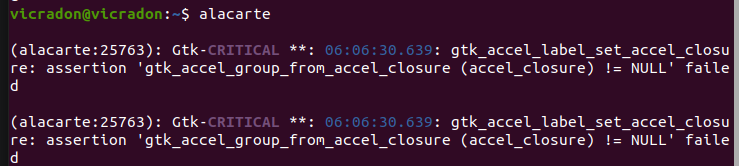
Step 2: Run alacarte from the terminal or using the command function: alt + f2
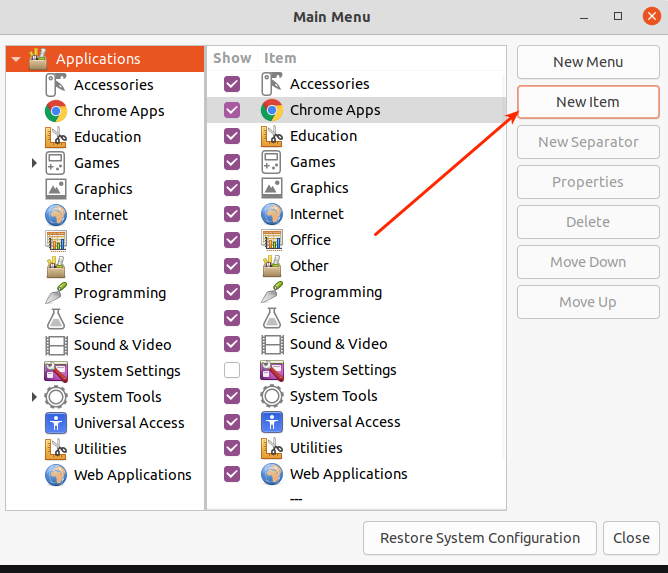
Step 3: Click the new item button
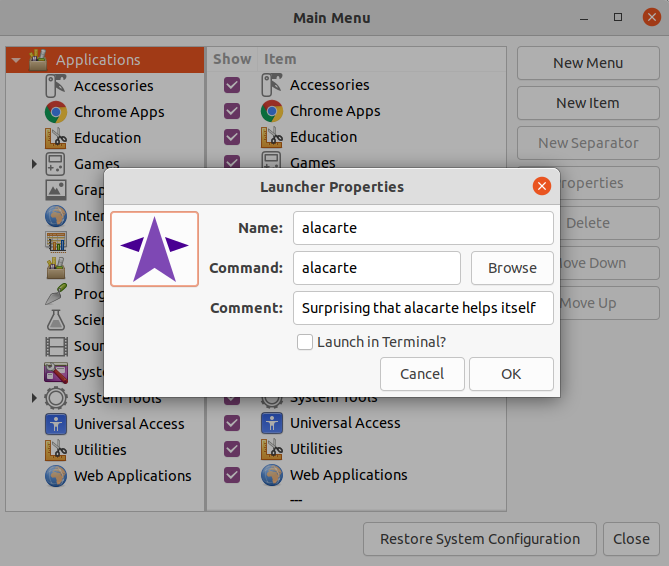
Step 4: Fill in the details for the application.
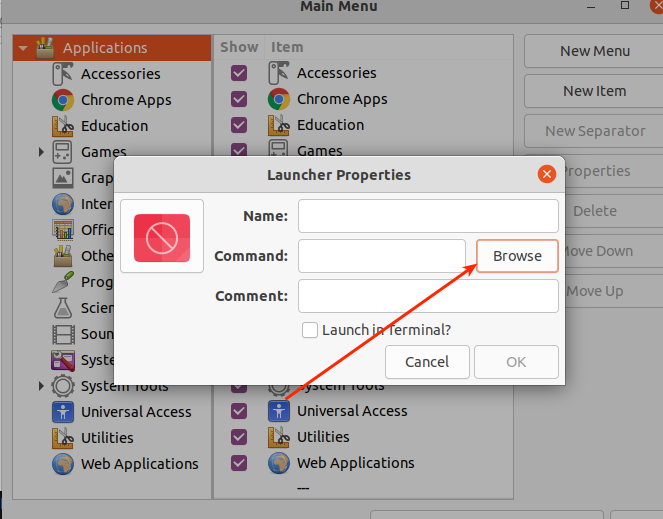
In the case of applications with executables, using the file picker
Use an image when available for the icon.
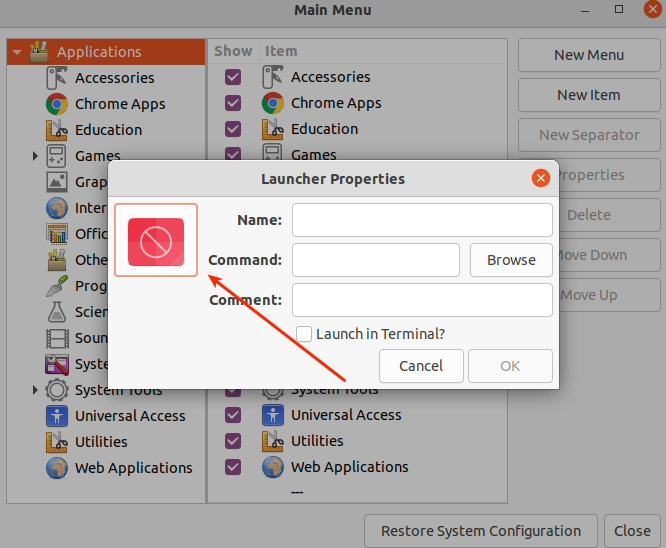
Here's a link to the icon I used for alacarte.
Thanks for reading. Adios ✌🏾🧡.
889 views
